The vast majority of comparisons between GPU offerings are based on dollar-per-hour prices. It is so because this is the simplest thing to publicize. This price is exact and cited by all the vendors on their homepages. However, it is also the most unlikely price you will find on your monthly invoice. The hidden price of the GPU cloud offering lies one level deeper, in the pricing schemes that become apparent when the data transfer, disk allocation, and the expiration of the contract take place. This article and shares the same theme and also the price tag moves the metering needle, not the other way around.
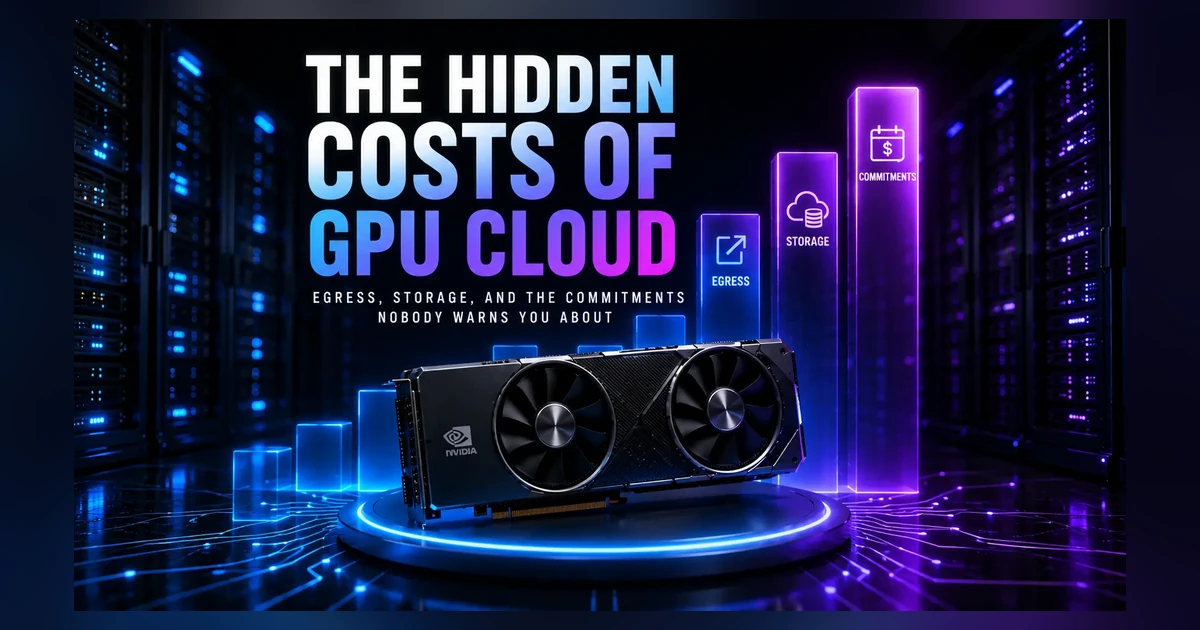
GPU cloud computing cost factors revealed in brief
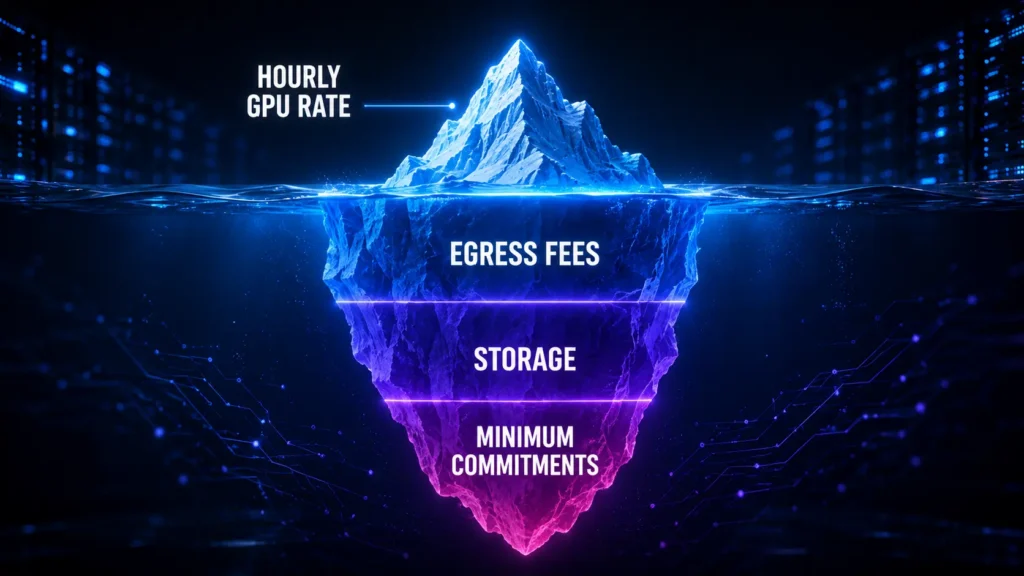
Before getting into the details, here are all three of the additional costs not included in the hourly fee along with their corresponding conditions for making them painful.
| Cost | What it actually is | Typical range | When it bites hardest |
|---|---|---|---|
| Egress | Charged per GB for data leaving the provider’s network. Data coming in is free. | $0.087 to $0.12 per GB on hyperscalers. $0 on most neo-clouds. | Inference at scale, frequent checkpoint pulls, moving datasets between clouds. |
| Storage | Persistent volumes that keep billing whether or not a GPU is running. | $0.05 to $0.15 per GB per month. | Stopped instances, old checkpoints nobody deleted, long-lived datasets. |
| Minimum commitment | A term you agree to pay through in exchange for a lower hourly rate. | 20 to 40 percent off, for terms from one week to three years. | Spiky or uncertain workloads that cannot fill the hours they committed to. |
Why the hourly rate for GPUs is just half the story
This is the fee per every hour spent using the GPU service. It doesn’t take into account the prices of moving your data into or out of the GPU, its storage, and the conditions of usage for which you get a certain rate. There are three aspects of cloud computing that may add to the total cost for a month of using a particular platform: data egress, persistent storage, and minimum capacity commitment. They are not unique to the process, rather hidden in comparison to the hourly fee.
The AI Compute Threshold Report
We analyzed pricing from 150+ GPU cloud providers to find the exact threshold where an AI startup's OpenAI API bill eclipses the cost of a dedicated H100 cluster.
Read the Full ReportThe best method to understand what is going on would be analyzing how the rates vary. The rest of the costs that usually don’t stand out are changing according to the amount of your data or its staying time in the disk storage. It is not good for you in all cases. You launch the GPU training for 12 hours and after that spend significant amounts of money on storage and transfer services for the following weeks. The GPU is the service you pay hourly for, but storage and transfer are accumulating along with it.
The egress fee, the charge that increases with your success
Egress charge refers to the amount that you have to pay when exporting data from the network of the provider. Ingress transfers are generally free, thus the egress one is often an unexpected expense. The more data you export, the greater the charge is.
The pricing strategy of hyperscalers is tier-based and relatively expensive. The initial 100 GB of AWS’s free transfers cost $0.09 per GB up to 10 TB per month, followed by the price of $0.05 per GB after 150 TB. Azure is slightly cheaper with the egress of $0.087 per GB, while Google Cloud charges the premium tier clients $0.12 per GB. To give an example, the transfer of 10 TB using AWS will cost approximately $900 without any additional charges such as NAT Gateway which costs $0.045 per GB and cross-zone traffic of $0.01 per GB in both directions.
That is where the use case of AI might be problematic. The more outputs the model produces, the higher the egress cost will be, and the better the model – the more outputs it is going to produce. All data transfer between environments, downloads, calls to the inference API will be charged as an outbound network traffic. The expenses will increase as your workload grows, however, they will not be computed expenses.
It differs greatly from the strategy of neo-clouds. Actually, Lambda, RunPod, and CoreWeave provide you with unlimited internet egress. That is why some operations can become cheaper despite the similar GPU pricing of hyperscalers and niche clouds. The reason lies in the fact that some operations may become extremely costly on a hyperscaler due to the high egress prices, while niche cloud providers may offer those services at zero or a very low price.
Storage that holds billing after the completion of computing process
When you turn off an instance, the computer becomes inactive, but the storage is still working. However, many people underestimate its price. In the beginning, it can be perceived as irrelevant but after three months it might become pretty costly.
GPU Cloud storage is about $0.05 to $0.15 per GB per month. There is even one company which provides network storage for $0.05 per GB per month and faster network storage. One can see the latest prices on RunPod. As far as GPU concerns, $2 an hour does not seem excessive but the time factor makes it expensive. For example, two terabytes of dataset will cost $200 per month and even if the usage was for one day, the price will be counted until the turning-off of the pod.
There are two things that usually shock people when seeing the bill. Firstly, turning off an instance will not stop its payments. Most companies do not remove disks from the turned-off instance and you will be charged for them till their deletion. The compute discounts and savings plans concern GPUs only, thus, your storage will cost you full price regardless of discounts. Secondly, GPU clouds are not archive storage services. You pay for hot, attached volumes but not for the long-term storing of terabytes. The easiest way to make your bill twice as big is to store old checkpoints and datasets just because it is easy to do.
Thus, the best strategy is to take care of the storage separately: to get rid of unnecessary checkpoints and upload needed data to object storage.
Commitments minimums and the lock-in you’ve signed on to
Commitments usually correspond to the lowest available prices; the commitment is the price. Commitment or Reserved pricing provides a discount, approximately 20% to 40% from the on-demand price, when customers are willing to make an agreement to cover those costs. As for the big hyperscalers, the commitment period usually lasts from one to three years, while the maximum discounts are usually provided for the longest commitments; it could be as much as a 72% discount. Those who are interested in short-term horizons have short-term commitment solutions from specialized vendors, including RunPod Savings Plan with a period of three to six months and reserved instances with a period starting from a week.
There are two additional small nuances as well. Some vendors use the minimal billing increments either an hour or a day, making a penalty for short experiments. Moreover, commitments are non-cancellable, meaning that if you start using it, you will pay the whole commitment period despite the fact whether you stop earlier or not.
It should be clear that commitment is not the discount but a certain type of pricing strategy that applies only in some particular cases, such as continuous production inference and big training with predictable GPU-hour load.
Comparing Providers Based on Hidden Costs
| Provider | Internet egress | Persistent storage | Minimum commitment |
|---|---|---|---|
| AWS | $0.09 per GB, first 10 TB after a 100 GB free allowance | Billed separately by volume type | None on-demand. Reserved terms of 1 or 3 years |
| Microsoft Azure | $0.087 per GB at entry tier | Billed separately by volume type | None on-demand. Reservations of 1 or 3 years |
| Google Cloud | $0.12 per GB on Premium Tier | Billed separately by volume type | None on-demand. Committed use of 1 or 3 years |
| CoreWeave | Free, including ingress and intra-region | Billed separately, discounts on reserved capacity | Reserved contracts, quoted on request |
| Lambda | Free | Included with instances | None on-demand. Reserved clusters available |
| RunPod | Free | From $0.05 per GB per month | None. Optional savings plans of 3 or 6 months |
How to calculate the hidden costs of GPU cloud
All of this can be priced in advance before any signing. The equation is four variables and takes five minutes per provider.
Monthly Total = compute + egress + storage + unused commitment
Compute = hourly price multiplied by realistic hours used monthly, not ideal hours used monthly
Egress = GB egressed per month multiplied by the GB egress rate, or zero for no egress pricing
Storage = GB stored per month multiplied by the GB/monthly storage rate, including data in stopped instances
Unused commitment = hours committed but not certain you will use, charged at reservation rate
An example calculation
Consider an example fine tuning job that uses 300 GPU-hour per month with 2 TB of dataset/checkpoints per month and 3 TB transferred out per month. With two providers with example prices.
Provider A, a hyperscaler with a price of $3.00/hour, $0.09/GB egress and $0.08/GB/month storage:
Compute = 300 x $3.00 = $900
Egress = 3,000 GB × $0.09 = $270
Storage = 2,000 GB × $0.08 = $160
Total = $1,330
Provider B is the neo-cloud costing $2.70 an hour with no cost for egress and $0.05 per GB per month for storage:
Compute: 300 × $2.70 = $810
Egress: $0
Storage: 2,000 GB × $0.
The hourly price is just 10 percent cheaper on Provider B. The monthly price is 32 percent cheaper. The entire difference comes from egress and storage. And it is undetectable if you do the calculation between the two providers based on what the provider’s website puts out.
Plug in your own numbers and see the ranking change. If you have a hyper-scaler offering a cheap GPU price, the provider will fail once you factor in free egress. If you have a marketplace with a cheap instance price, that will also fall apart once you consider minimum billing increments and preemption. For compute-intensive tasks, these factors will make all the difference.
Frequently asked questions
The biggest three include egress charges, persistent storage, and reserved capacity commitments. Alongside them, be wary of additional costs related to networking – NAT gateway charges, cross-zone transfers, and minimum billing increments due to short workloads. None are included in the listed price per hour.
Because the former is necessary to recoup bandwidth costs and switching costs in practice, and the latter helps attract you by encouraging you to bring in your workloads. In essence, data egress is the only cost likely to catch you off guard as an AI workload.
Yes, in fact. There are several specialized neo-cloud providers like Lambda, RunPod, and CoreWeave that provide unlimited internet egress. For workloads moving large volumes of data and checkpoints frequently, the mere ability to not pay for data egress can save many thousands of dollars a month compared to hyperscalers.
No. A reserved price is less per hour but only gives savings if you utilize the committed usage. The commitment period is typically non-refundable and ranges between a week and three years, which means that variable or inconsistent loads might end up costing you more compared to on-demand.
Cloud storage costs between $0.05 to $0.15 per gigabyte per month. It is inexpensive per gigabyte, but it bills on a consistent basis, even when the machine is stopped, and it is not covered by compute discounts. Data that you keep for an extended period is less costly in dedicated object storage compared to GPU providers.
Get personalised, no-commitment quotes from top AI infrastructure providers in under 2 minutes.